


2-Minute Pre-Flight Cybersecurity Checklist
Digital security doesn’t pause when you travel. This quick guide walks you through a simple 2-minute cybersecurity routine — before you leave, at the airport gate, and after you land — covering updates, 2FA, automatic photo backup, Wi-Fi hardening and juice jacking, so your devices and memories stay protected wherever your trip takes you.
Written by human for humans
Digital security doesn’t pause at 35,000 feet. The moment you step into an airport, your phone starts talking to networks you don’t control and charging at outlets nobody’s checked. Most of us spend more time picking a seat than we do securing the device that holds our entire digital life.
Koofr. The travel companion for your data.
The good news is that you don’t need a cybersecurity degree to travel safely. You just need 120 seconds and a simple routine you can run before every trip, at the gate, and after you land.
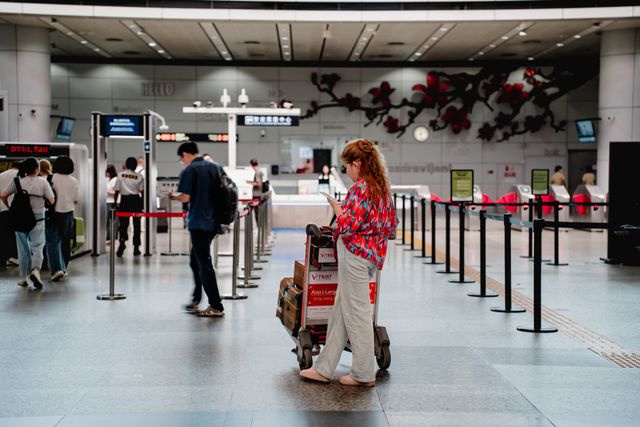
Phase 1: Before You Leave (Pre-Flight Prep)
Do these steps at home, on your own secure Wi-Fi network, before you leave.
1. Update your operating system and apps
Action: Run all pending updates while you’re still on a trusted, secure home network or cellular data.
Why: Updates patch known vulnerabilities. Doing this before you connect to unfamiliar airport or hotel networks means you’re not exposing an outdated, exploitable device the moment you land.
2. Clean up your remote sessions
Action: Log out of any devices or apps you’ve left behind at home or in the office.
Why: Every logged-in device is a potential attack surface. Fewer active sessions mean less for anyone to exploit while you’re away and can’t keep an eye on things.
Koofr tip: If you use Koofr, you can remotely log out of old sessions and revoke app access in a couple of clicks from the Koofr web app.
3. Enable 2FA everywhere you can
Action: Enable Two-Factor Authentication (2FA) on every app that offers it.
Why: 2FA adds a second layer of protection that stops attackers from getting into your accounts even if your phone is stolen or your password is intercepted.
Koofr tip: You can enable 2FA on your Koofr account, including for authentication apps and Passkeys, directly from the web app.
4. Turn on automatic photo backup
Action: Enable automatic photo and video backup on your phone before you leave.
Why: Enabling auto-upload means your travel memories are saved to the cloud the moment they’re taken, so you won’t lose a single photo even if your phone is damaged, lost, or stolen mid-trip.
Koofr tip: Set up automatic media backup with our guides for Android or iPhone.
Phase 2: At the Airport Gate (Device Hardening)
Do this while you’re waiting to board your flight, before you’re surrounded by unknown networks and devices.
A. Configure your Wi-Fi settings
Action: Disable “Auto-Join” or “Ask to Join Networks” in your phone’s Wi-Fi settings.
Why: This stops your device from automatically connecting to spoofed, malicious networks designed to look like the real thing.
B. Turn off short-range wireless radios
Action: Switch off Bluetooth, and restrict AirDrop or Quick Share to “Off” or “Contacts Only”.
Why: This blocks proximity-based attacks, such as malicious file drops, from strangers nearby in a crowded departure lounge.
C. Lock down physical protection settings
Action: Reduce your screen timeout to 30 seconds and double-check that Find My device tracking is switched on.
Why: If your phone slips into a seat gap or gets left at a security checkpoint, a short lock timeout and active tracking give you a head start on finding it again.
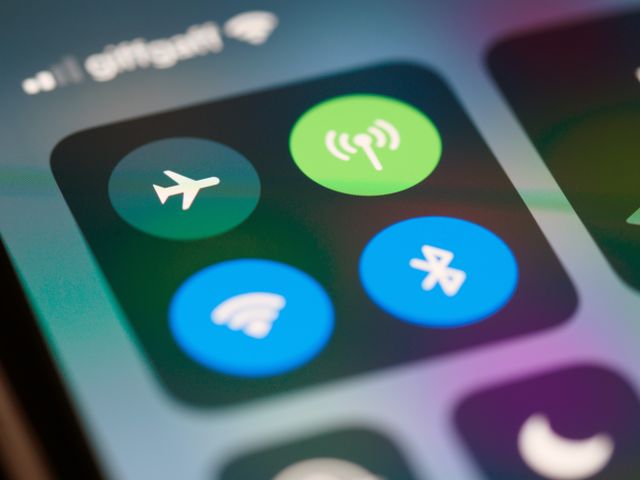
Phase 3: Post-Landing Readiness (Upon Arrival)
Be careful with public charging ports
Action: Avoid public USB charging ports. Use a standard AC wall outlet with your own power brick instead.
Why: This protects you against “juice jacking”, where compromised public USB ports are used to transfer malware or extract data from your device while it’s plugged in.
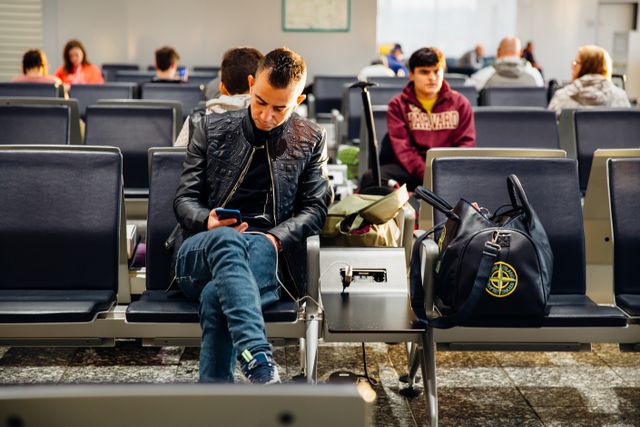
A Tiny Bit of Friction, A Lot of Peace of Mind
A tiny bit of friction before takeoff saves massive digital headaches upon landing. Run through these three phases — before you leave, at the gate, and once you land — and you’ll travel with your accounts, your devices, and your memories properly protected.
Try Koofr. Your online peace of mind.
Want to talk to us? Join our growing Reddit community!