


5 Essential Documents You Need a Digital Copy Of
Lost your passport abroad? Facing a medical emergency without your records? Physical documents are vulnerable to theft, fire, and loss. Learn which 5 essential documents you should digitise today, how to store them securely, and why client-side encrypted cloud storage like Koofr Vault is the smartest choice for your most sensitive personal information.
Written by human for humans
Picture this: you're standing in a foreign embassy at 3 AM, exhausted and desperate. Your bag was stolen hours ago — passport, wallet, everything. The consular officer looks at you and asks the one question you're dreading: "Do you have any proof of identity?" Your heart sinks. All you have is the clothes on your back.
This nightmare scenario happens to thousands of travellers every year. But it's not just theft abroad that puts us at risk. Fire, floods, ransomware attacks, or even a simple house move can make critical documents vanish in seconds. And when disaster strikes, the scramble to replace birth certificates, insurance policies, or medical records can take weeks — or cost thousands.
Koofr. Your secure digital vault.
The solution is surprisingly simple: a secure digital backup of your most important documents, accessible from anywhere in the world. But here's the crucial point — not all cloud storage is suitable for highly sensitive personal documents. For your passport, medical records, or legal contracts, "standard" security isn't enough. You need layered protection designed specifically for your most private information.
This guide will show you exactly which documents to digitise, how to do it properly, and — most importantly — how to store them with the level of security they deserve.
- 5 Documents You Need to Digitise Today
- How to Smartly Store The Most Important Documents
- Storing Sensitive Data: Where Zero-Knowledge Encryption Matters
- Koofr Vault – Your Secure Digital Vault
5 Documents You Need to Digitise Today
The following five document categories represent your core emergency kit — the papers you absolutely cannot afford to lose access to during a crisis.
1. Passport & Government-Issued ID
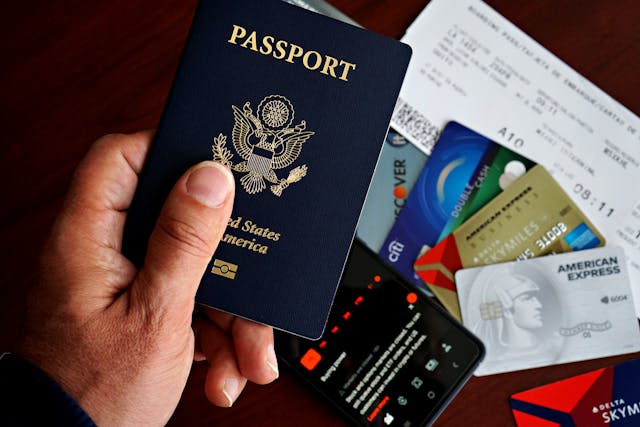
Your passport and national ID cards are the foundation of your legal identity. If your originals are lost or stolen whilst abroad, a digital copy can be essential for identity verification at embassies or consulates. Many countries' consular services explicitly recommend travellers carry digital backups for exactly this reason. Without any form of identification, you may face delays of days or even weeks before you can return home.
2. Birth & Marriage Certificates
These foundational documents prove relationships, age, and identity. They're required for:
- Passport renewals and visa applications
- Legal proceedings (inheritance, property disputes)
- Registering children for school or obtaining family benefits
- Unexpected administrative tasks when travelling or relocating
Replacing lost certificates often requires lengthy bureaucratic processes, certified applications, and fees. A digital backup means you can access and verify the information immediately whilst waiting for official replacements.
3. Insurance Policies (Health, Travel, Home)
When emergencies happen, you need instant access to policy numbers, coverage details, and emergency contact lines. Digital copies ensure you can:
- File claims quickly after theft, accidents, or natural disasters
- Provide proof of insurance to hospitals or rental car agencies
- Access emergency assistance numbers 24/7, even without an internet connection (if saved offline to your device)
Pro tip: Don't just save the policy document — include a separate text file with key numbers and emergency contacts so you can retrieve them in seconds.
4. Medical Records & Prescriptions
In a medical emergency, especially abroad, your medical history can save your life. Doctors need to know:
- Allergies and adverse drug reactions
- Blood type
- Chronic conditions (diabetes, heart disease, epilepsy)
- Current medications and dosages
A digital record allows you to communicate this information even if you don't speak the local language, or your regular doctor isn't available. Many countries now encourage patients to maintain personal health records for exactly this reason.
5. Property Deeds & Legal Contracts
These documents prove ownership and legal standing for:
- Real estate and land
- Vehicles
- Business agreements
- Wills and power of attorney
Property deeds and contracts are notoriously difficult to replace, often requiring court processes or certified copies from solicitors. A secure digital backup provides an accessible reference whilst you work on official replacements — and in legal disputes, having immediate access to the original terms can be invaluable.
How to Smartly Store The Most Important Documents
Creating digital backups isn't just about taking a quick photo with your phone. To ensure these documents are genuinely useful in an emergency, you need quality, organisation, and redundancy.
High-Quality Scanning: Don't Settle for Blurry Photos
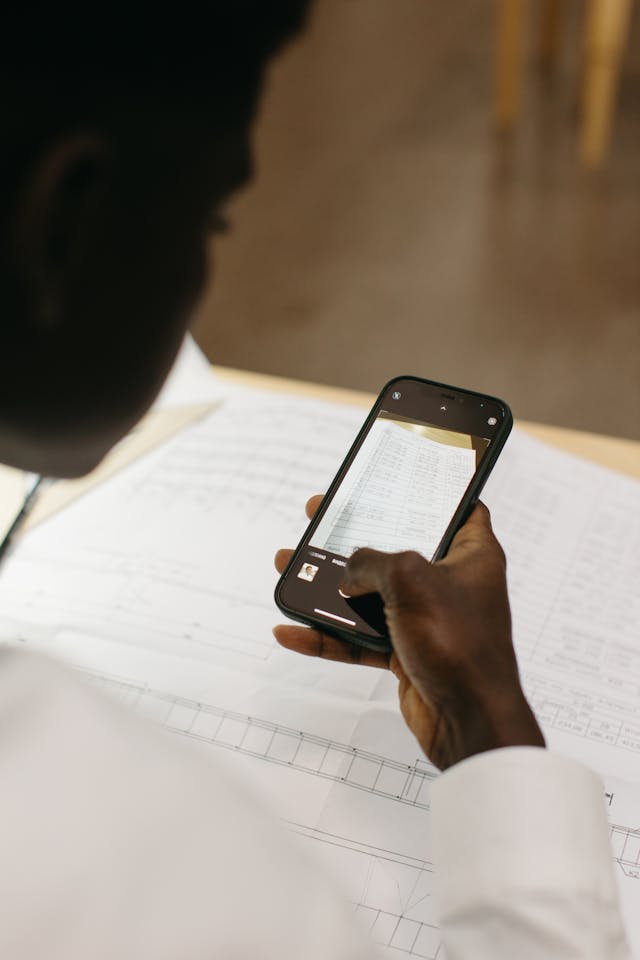
A blurry smartphone photo might be better than nothing — but barely. For documents that may be used for official verification, insurance claims, or legal proceedings, you need crisp, readable scans.
Best practices:
- Use a dedicated scanning app (such as Adobe Scan, Microsoft Lens, or CamScanner) that automatically enhances contrast, corrects perspective, and removes shadows
- Ensure all text is sharp and legible — especially small print, signatures, and ID numbers
- Save files as PDF format for broad compatibility
- For particularly important documents, use an actual flatbed scanner if available — the quality difference is significant
Organisation: Clear Naming and Logical Folders
In a crisis, you won't have time to dig through hundreds of files labelled "IMG_2049.jpg". A clear, consistent naming system means you can find what you need in seconds.
Recommended structure in your cloud storage:
/Personal_Documents
/Identity
2024_Passport_JohnDoe.pdf
2024_Driving_Licence_JohnDoe.pdf
/Certificates
1985_Birth_Certificate_JohnDoe.pdf
2010_Marriage_Certificate_Doe.pdf
/Insurance
2024_Health_Insurance_Policy.pdf
2024_Travel_Insurance_Policy.pdf
/Medical
2024_Medical_Summary_JohnDoe.pdf
2024_Prescriptions_Current.pdf
/Legal_Property
2015_Property_Deed_10_High_Street.pdf
2020_Vehicle_Registration_AB12CDE.pdf
The Golden Rule of Redundancy
Here's the fundamental principle: the original stays safe, but the digital copy is your emergency kit.
- Keep your original documents in a fireproof safe or secure location at home
- Maintain a digital backup in secure cloud storage that you can access from anywhere
- Consider a third backup on an encrypted USB drive stored separately (such as at a trusted family member's home or in a bank safe deposit box)
This layered approach — often called the 3-2-1 backup rule — means that no single disaster can wipe out all your essential documents.
Read more in our blog post: Using the 3-2-1 Backup Rule to Design Your Backup Strategy
Storing Sensitive Data: Where Zero-Knowledge Encryption Matters
Cloud storage is extraordinarily convenient — but when it comes to your most sensitive personal documents, convenience alone isn't enough. You need to understand the difference between standard security and privacy-first architecture.
The Concept of "Layered Security"
Think of it this way: standard cloud storage is like a locked, high-security building. Your files are protected by:
- Encryption during upload and download (in transit)
- Encryption whilst stored on the server (at rest)
- Strong authentication (passwords, two-factor verification)
For most of your digital life — photos, work documents, project files — this is exactly the right level of security. It's robust, reliable, and trusted by millions. But your passport? Your medical records? Legal documents? These fall into what we call the "Privacy Plus" category — documents so sensitive that many people prefer an extra layer of sovereignty.
Standard Cloud Storage vs. Client-Side Encrypted Storage:
With standard secure cloud storage, your files are encrypted before they're saved — but the cloud provider holds the encryption keys. This is how platforms like Google Drive, Dropbox, and yes, Koofr's standard storage operate. It's secure, convenient, and perfectly suitable for everyday files.
But here's the key difference: with client-side encrypted storage (also called Zero-Knowledge Encryption), only you hold the encryption key.
Key points about client-side encryption:
- Your files are encrypted on your device before they ever reach the cloud
- The cloud provider cannot read, scan, or access your files — even if compelled by legal requests
- You have absolute sovereignty over your most private information
The Benefit: It's About Absolute Privacy, Not Risk
Let's be clear: standard secure cloud storage is not insecure. Koofr's regular storage uses industry-leading encryption and has a proven track record for reliability and safety.
The choice to use client-side encrypted storage for certain documents isn't about fixing a security flaw. It's about elevating privacy to its absolute maximum for the files that matter most to you.
Think of it like this:
- Your home is already secure — locks on the doors, alarm system, strong walls
- But for your most valuable jewellery, you might also keep a private safe inside the house
- That safe isn't there because your home is unsafe — it's there because you want maximum protection for your crown jewels
That's the philosophy behind using encrypted vaults for your top-tier documents.
Read more in blog post: Adjust the Level of Cloud Storage Security and Take Advantage of its Full Benefits
Koofr Vault – Your Secure Digital Vault
So, where does that leave you practically? How do you balance everyday convenience with maximum-security storage for your most sensitive documents? The answer is a hybrid approach — and that's exactly what Koofr offers.
Standard Server-side Encrypted Storage vs. the Client-side Encrypted Add-On
Koofr gives you the flexibility to choose the right level of security for each file:
- Use Koofr's standard secure cloud storage for your everyday files: photos, work documents, project files, and anything you collaborate on or share
- Use Koofr Vault (the zero-knowledge encrypted add-on) for your "Privacy Plus" documents — passports, medical records, legal contracts, and anything that requires absolute confidentiality
You don't have to choose between convenience and privacy. You can have both.
Koofr Vault is built on client-side encryption, meaning:
- Your files are encrypted on your device before upload
- Only you have the decryption key — not even Koofr can access your files
- Your documents remain completely private, even if servers are compromised or legal requests are made
- You get full sovereignty over your most sensitive information
But unlike some privacy-focused platforms that sacrifice usability, Koofr Vault is designed for real-world convenience:
- Fast, seamless access on web and mobile apps
- Intuitive interface — no technical knowledge required
- European-based servers with strong data protection laws (GDPR compliance)
- No trackers, no data mining — your privacy is the product, not your data
Koofr tip: Set up Koofr Vault once, upload your 5 essential documents, and you'll have peace of mind for years. Access them from anywhere in the world — but know that no one else can.
Conclusion: Peace of Mind Doesn't Cost Much, But the Lack of It Can Be Expensive
We live in an unpredictable world. Bags get stolen. Houses flood. Ransomware locks computers. Paperwork gets lost in moves.
But here's the truth: you can't control disasters, but you can control your preparedness.
Creating secure digital backups of your 5 most essential documents takes less than an hour. Storing them in a client-side encrypted vault like Koofr Vault costs just a few € a month. But when a crisis hits — when you're standing in that embassy at 3 AM, or dealing with a medical emergency abroad, or facing a legal deadline — that small investment becomes priceless.
Don't wait for the nightmare scenario.
Sign up for Koofr. Protect what matters most.
Take an hour this weekend. Scan your passport, your birth certificate, and your insurance policies. Organise them properly. Upload them to a secure, encrypted Koofr vault. And then sleep soundly, knowing that no matter what happens, your digital emergency kit is ready.
Because peace of mind isn't paranoia. It's preparation.
Want to talk to us? Join our growing Reddit community!