


LeraarNederlands.net: a teachers' library, built by teachers
Learn how LeraarNederlands.net built a community library for Dutch language teachers using Koofr, a secure European cloud storage that allows for easy collection, storage, and sharing of lesson materials and holiday quizzes.
Written by human for humans
We spoke with Jeroen, the man behind LeraarNederlands.net - an online hub for anyone involved with the Dutch language. Teachers, students, lateral entrants, subject educators, and sometimes even curious students.
This is his story on how he built the platform and why he ultimately chose Koofr to power it.
The idea didn't start with me. It started with Arnoud Kuijpers, who was named Dutch Teacher of the Year 2015 by the NPO radio programme De Taalstaat. Arnoud was active in the Facebook group "Leraar Nederlands" and proposed something simple:
What if Dutch language teachers across the Netherlands shared their lesson materials with each other?
The Beginning: Trials and Errors
We started on Google Drive, but it lasted only a few months. Colleagues kept unlinking shared materials from their own drives, which had the side effect of deleting files for everyone. I was restoring from backups constantly, and it became clear we needed something built for sharing, not for personal storage.
From Google Drive to XODA
I had a programming background and some server space, so I set up XODA — a free, self-hosted script. Teachers dropped materials into a mailbox folder, and I sorted them into the right category. For about ten years, it worked.
But XODA stopped being maintained, and the cracks started to show. Users were forced to sign in to download files, defeating the point of a freely shared library. At the same time, I moved LeraarNederlands from US-based hosting to a European hosting provider and began looking for a secure, European replacement for XODA.
Koofr fits the brief
That's how I found Koofr. I wanted something that did roughly what XODA did, but professionally maintained and without me being the sysadmin. Koofr fits that brief perfectly.
Right now I maintain the site and the Koofr drive by myself, though one colleague has his own page where he's been publishing free holiday quizzes for years. The shared library is the heart of it — everything else grew around that.
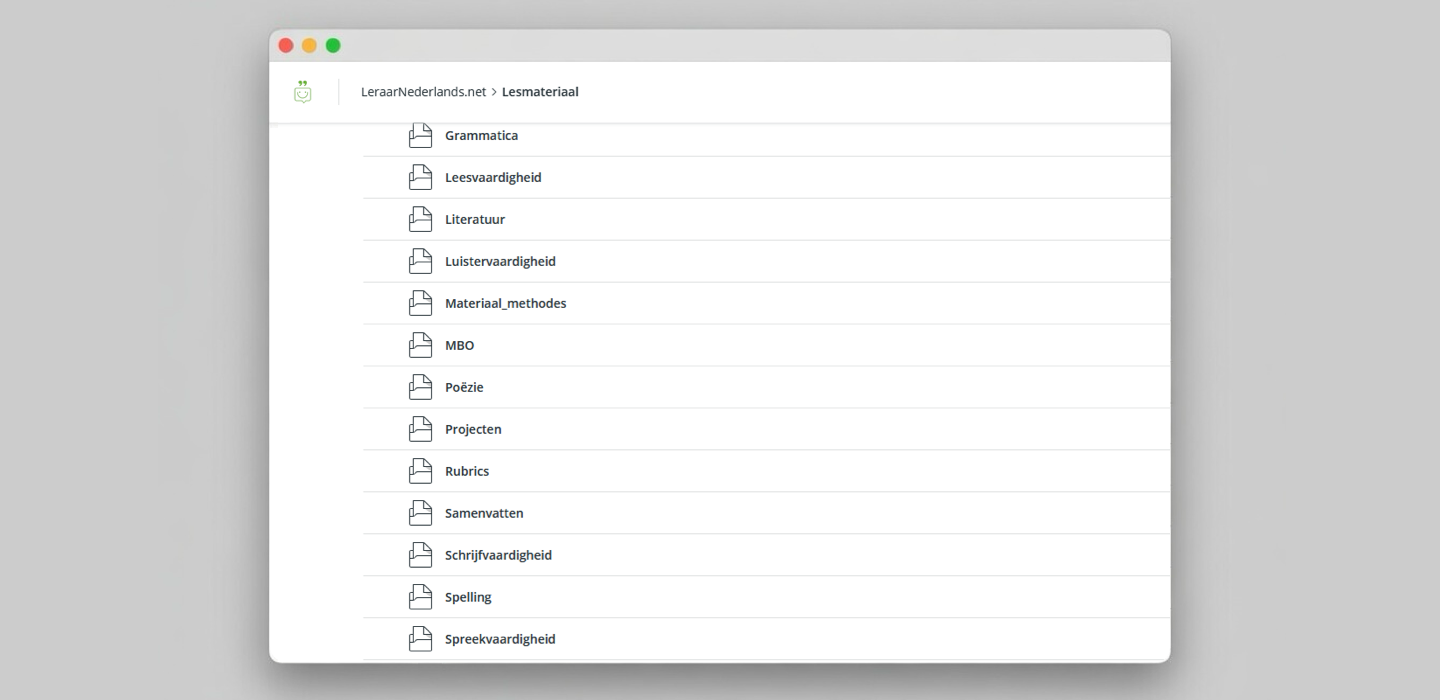
Public link view, shared by LeraarNederlands.net
Pro-tip: Meeting Teachers Where They Are
Use the Receive Files feature. Not every teacher is ICT-savvy, and the moment you ask someone to create an account, install an app, or learn a new interface, you lose half your contributors.
With Koofr's mailbox functionality, teachers just email their materials to a dedicated address and the files land in a folder I clear out and sort. No login, no app, no learning curve. That's how you actually get a community library off the ground: by meeting people where they already are.
Jeroen van Rooij
Leraar Nederlands
Key Koofr Features for creating your own community repository
- Receive files via email: Generate a unique Koofr email address for users to send materials straight to designated folders. Simply attach PDFs, Word docs, or presentations to an email, and they automatically land in your Koofr storage.
- Public sharing links: Allow visitors to download materials without creating an account by using Koofr’s secure public link sharing.
- Privacy-first cloud storage: Koofr is compliant with strict EU privacy laws (GDPR).